Hotel & Stay Booking Support
Simple guidance before and after your booking
Introduction
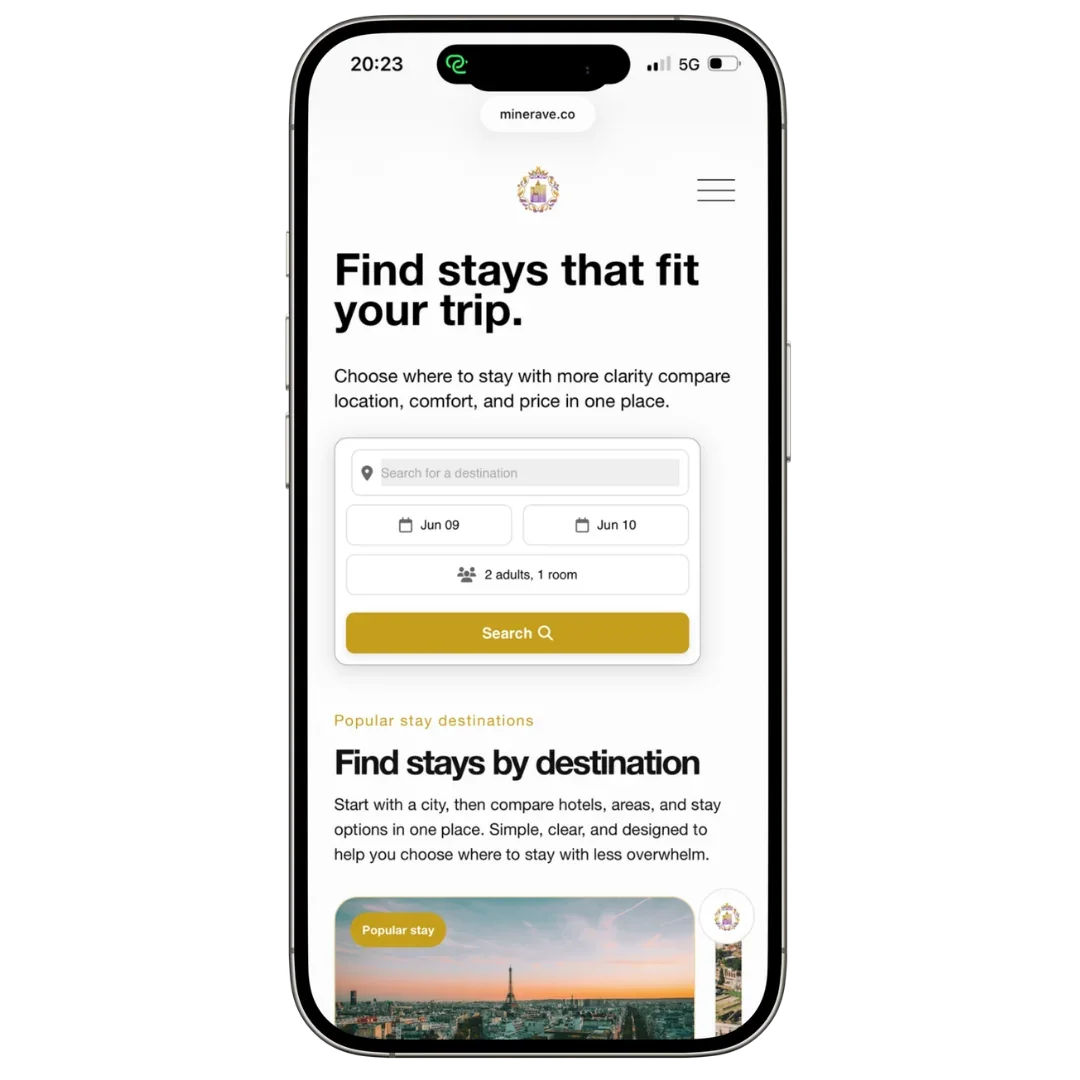
Booking a hotel should feel simple, but small details can make a big difference. This guide helps you understand what to check before you reserve a stay, what to keep after booking, and who to contact if something does not look right.
Minerave may show hotel options through selected booking partners, affiliate partners, or white-label booking tools. Depending on where the final booking is completed, the provider, hotel, or booking system may handle the reservation, payment, cancellation, changes, and refund process.
Minerave Support can help you understand the next step, but some booking actions may still need to be handled by the provider or hotel directly.
Before booking a hotel
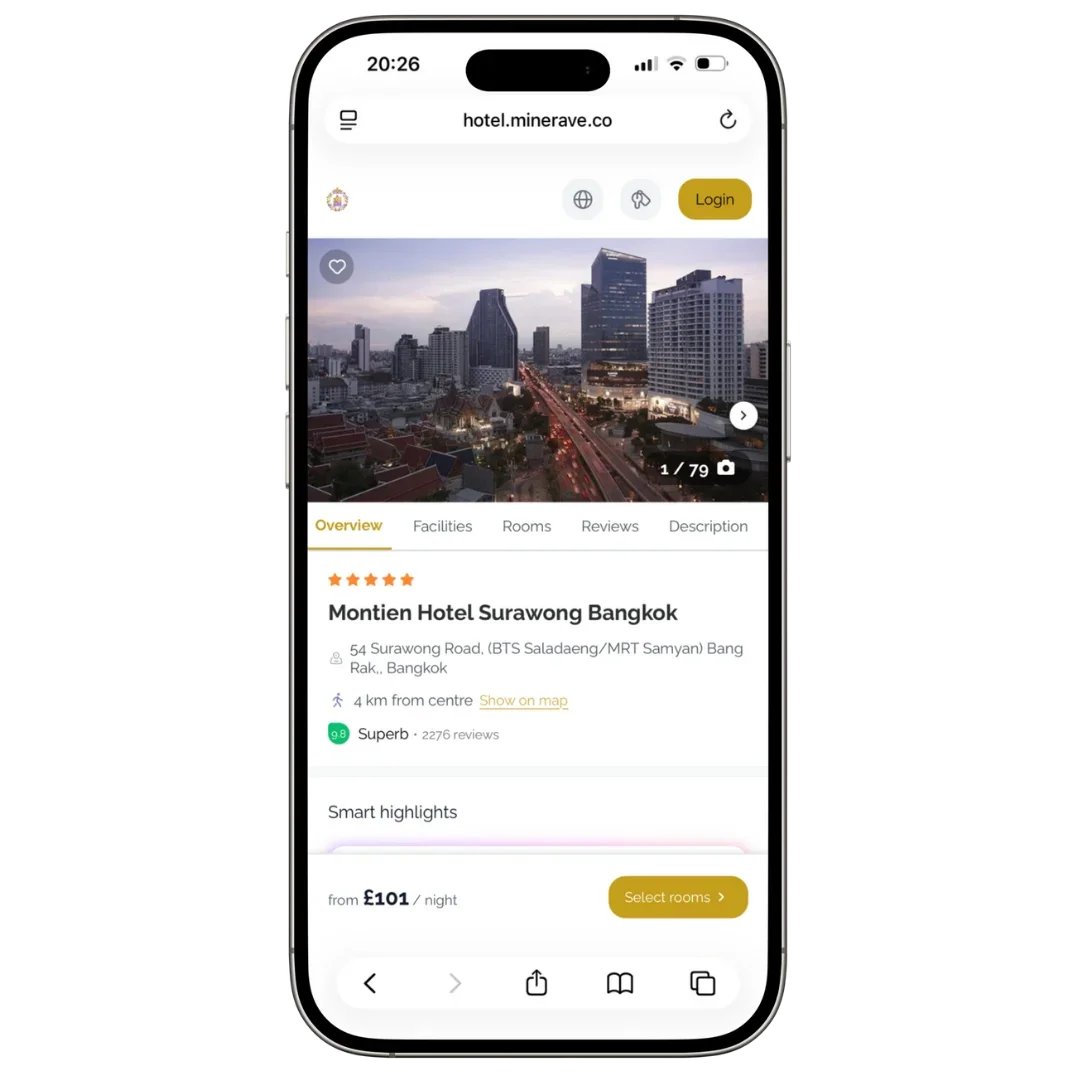
Before you confirm your stay, check the details carefully. Hotel bookings often have different rules depending on the provider, room type, rate, and cancellation policy.
Check:
Hotel name and location
Check-in and check-out dates
Number of guests
Room type
Breakfast or meal plan
Refundable or non-refundable rate
Cancellation deadline
Taxes and local fees
Deposit or prepayment rules
Check-in time
Special conditions from the provider or hotel
The most important detail is the cancellation policy. A cheaper room can sometimes be non-refundable, which means you may not get money back if your plans change.
After you book
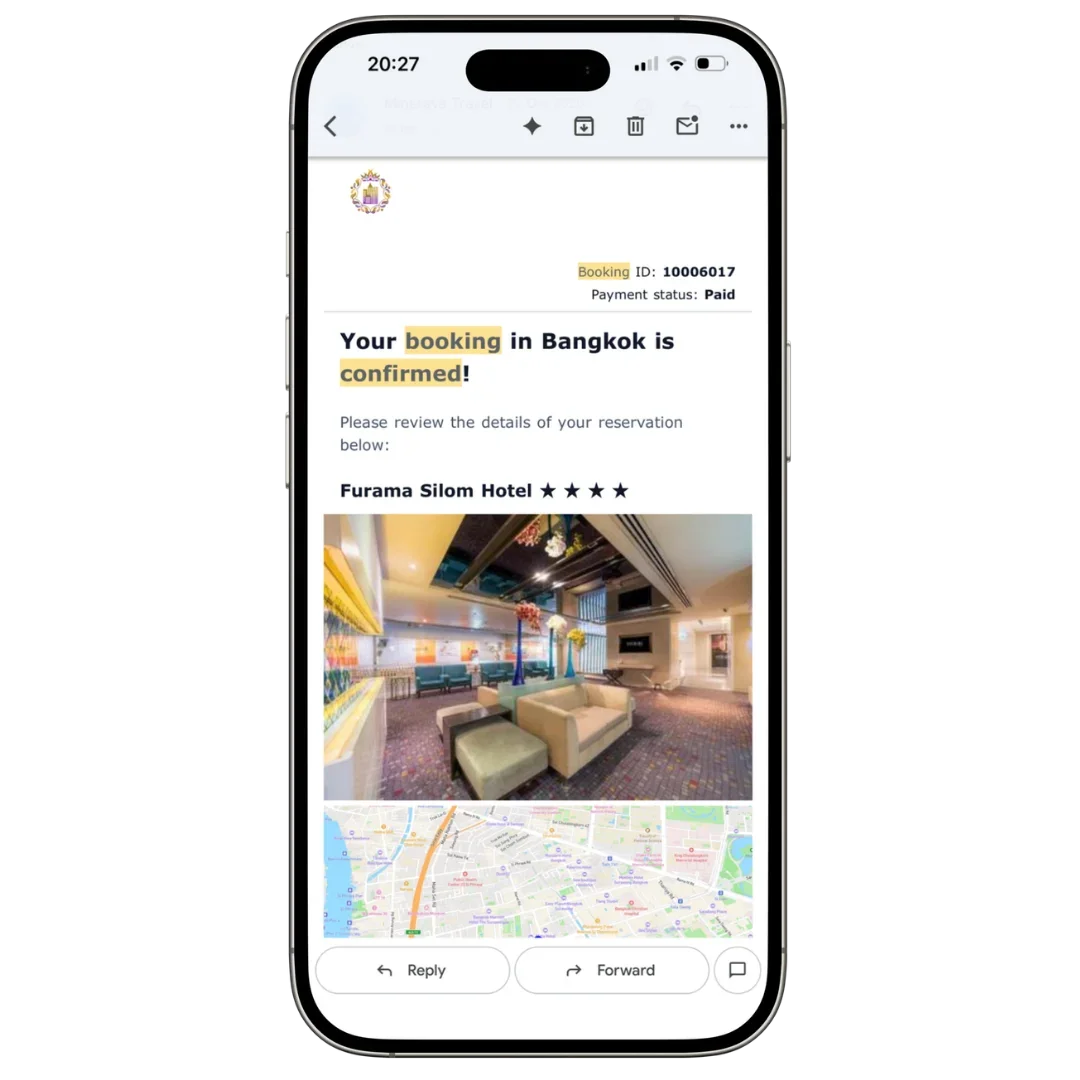
After booking, save your confirmation email immediately. Your confirmation usually contains the information needed if you contact the provider, hotel, or Minerave Support.
Check that your confirmation shows the correct:
Guest name
Hotel name
Travel dates
Room type
Number of guests
Booking reference
Payment status
Cancellation policy
Provider or hotel contact details
If something looks wrong, contact support as soon as possible. It is usually easier to fix a problem early than close to your arrival date.
If you booked through a partner website
If you clicked from Minerave to a partner website and completed the booking there, your reservation is usually handled by that partner.
Payment
The partner usually processes and manages your payment.
Confirmation email
Your booking confirmation is usually sent by the partner.
Cancellation
Cancellation rules are based on the partner’s booking terms.
Refunds
Refund requests are normally reviewed by the booking partner.
Booking changes
Date, name, room, vehicle, or service changes are usually handled by the partner.
Customer service
The partner normally handles direct support for the reservation.
Booking support FAQ
Understand when to contact the booking provider, when to contact Minerave, and what details to keep ready for support.
When should I contact the booking provider first?
Contact the booking provider first if your issue is connected to the reservation, payment, confirmation, cancellation, refund, or booking change. The provider usually has direct access to the reservation system and payment records.
What problems are usually handled by the booking provider?
The booking provider usually handles missing confirmation emails, payment problems, duplicate charges, refund requests, cancellation requests, date changes, guest name corrections, room type issues, and booking references that are not working.
When should I contact Minerave Support?
Contact Minerave Support if you are not sure who handles your booking, which provider to contact, or what the next step should be. Minerave can help you understand where to go, but confirmed bookings are usually managed by the provider.
What can Minerave Support help me understand?
Minerave Support may help you find the correct provider contact, understand what your confirmation means, check what details you should prepare, and understand whether the hotel or the booking provider is the right contact.
What should I include when contacting Minerave Support?
To help us understand your situation faster, include your provider name, booking reference, hotel name, travel dates, guest name, and the email address used at checkout.
What should I keep for booking support?
Keep your confirmation email, booking reference, provider name, hotel name, travel dates, guest name, payment receipt, cancellation policy screenshot, checkout email address, and screenshots of the issue.
Why are these details important?
These details help the provider, hotel, or Minerave Support understand your situation more clearly. They also make it easier to check your booking, explain the issue, and guide you to the correct support option.
Final note
Minerave is designed to make travel planning and booking easier to understand. We help you compare options, access selected booking tools, and find the right next step when something is unclear.
If your hotel booking was completed through a partner or white-label booking system, the final reservation rules are based on the provider, hotel, and booking conditions shown at checkout.
If you are unsure what to do next, contact Minerave Support with your booking details.