Cheat Sheet download & access support
If you purchased a Minerave Cheat Sheet but cannot find your download, confirmation email, or digital file, this guide helps you understand what to check first and when to contact Minerave Support.
Minerave Cheat Sheets are digital products. After purchase, your download link or access details are usually sent to the email address used at checkout.
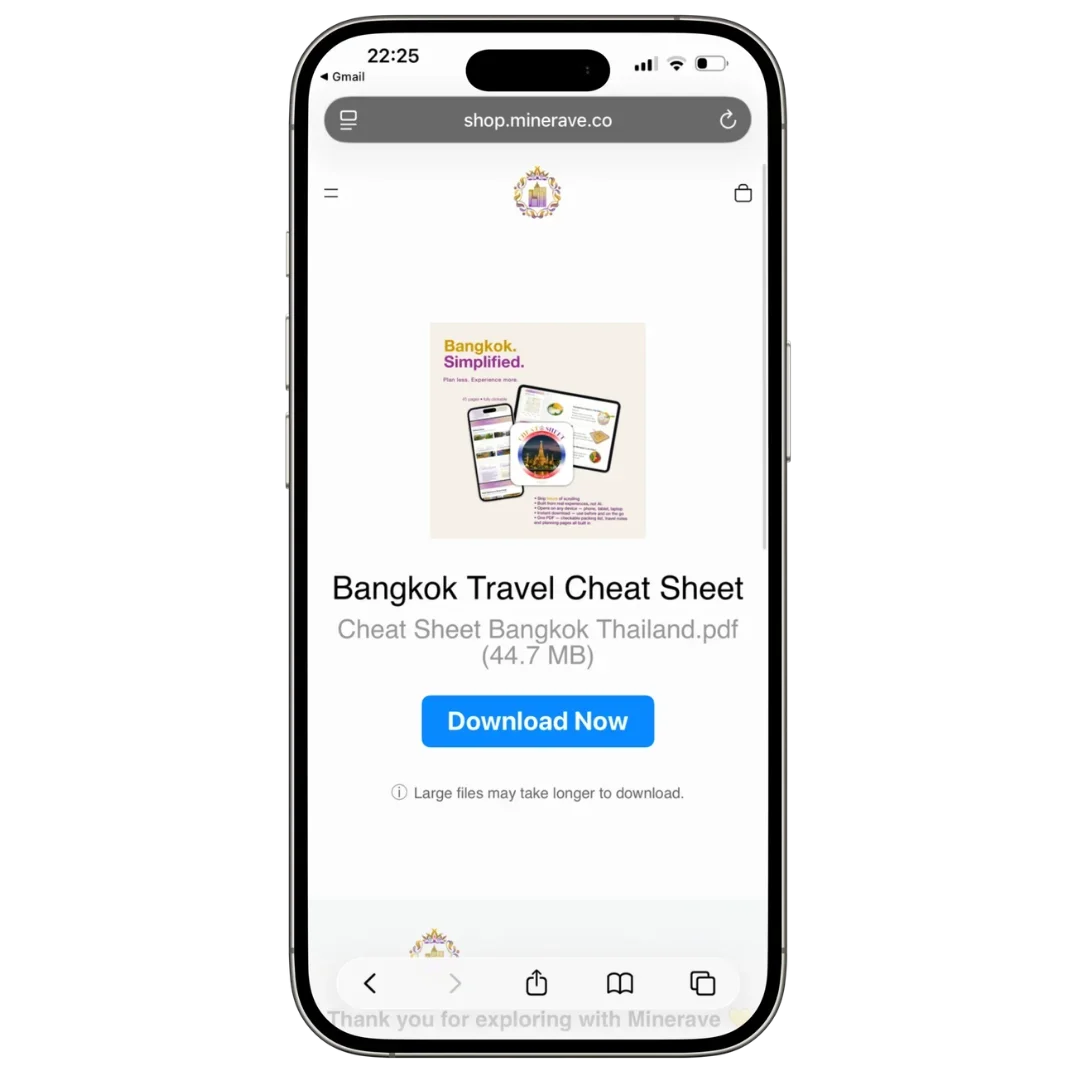
Check your email first
Start by checking the inbox connected to your purchase.
Look for emails from Minerave, Minerave Shop, Shopify, or the payment/checkout provider. Sometimes digital product emails arrive separately from the order confirmation email.
Also check:
Spam folder
Junk folder
Promotions tab
Updates tab
All Mail
Deleted emails
The email address used at checkout
If you used Apple Pay, Google Pay, PayPal, or Shop Pay, the confirmation may have gone to the email connected to that payment account.
If you cannot find the download link
If you received an order confirmation but not the download link, wait a few minutes and refresh your inbox.
Digital delivery can sometimes take a short time, especially if payment verification is still processing.
If the link still does not appear, contact Minerave Support with your order details.
If the download link does not work
If your download link opens an error page, does not load, or says the file is unavailable, try again on another browser or device.
You can also try:
Opening the link in Safari, Chrome, or another browser
Turning off private browsing
Checking your internet connection
Copying and pasting the full link into your browser
Trying from your phone and desktop
Waiting a few minutes and trying again
If the issue continues, contact Minerave Support and include a screenshot of the problem.
If the file does not open
Minerave Cheat Sheets are usually delivered as digital PDF files.
If the file downloads but does not open, try opening it with:
Files app on iPhone
Adobe Acrobat Reader
Google Drive
Apple Books
Preview on Mac
A PDF reader on Android or Windows
Make sure the download is complete before opening the file.
If you used the wrong email address
If you think you entered the wrong email address at checkout, contact Minerave Support.
Include:
Your full name
The email address you may have used
The correct email address
Order number, if available
Date of purchase
Product name
This helps us check your order faster.
What to send Minerave Support
For faster help, include as many details as possible:
Order number
Product name
Email address used at checkout
Date of purchase
Payment method
Screenshot of the issue
Confirmation email, if you received one
Please do not send full card details or sensitive payment information.
Final note
Minerave Cheat Sheets are designed to be simple, mobile-friendly travel guides. If you cannot access your file, we will help you understand the next step and check what information is needed to support your request.