What to check before booking a flight
A simple Minerave guide to help you review routes, baggage, passenger names, provider details, and cancellation terms before confirming your flight.
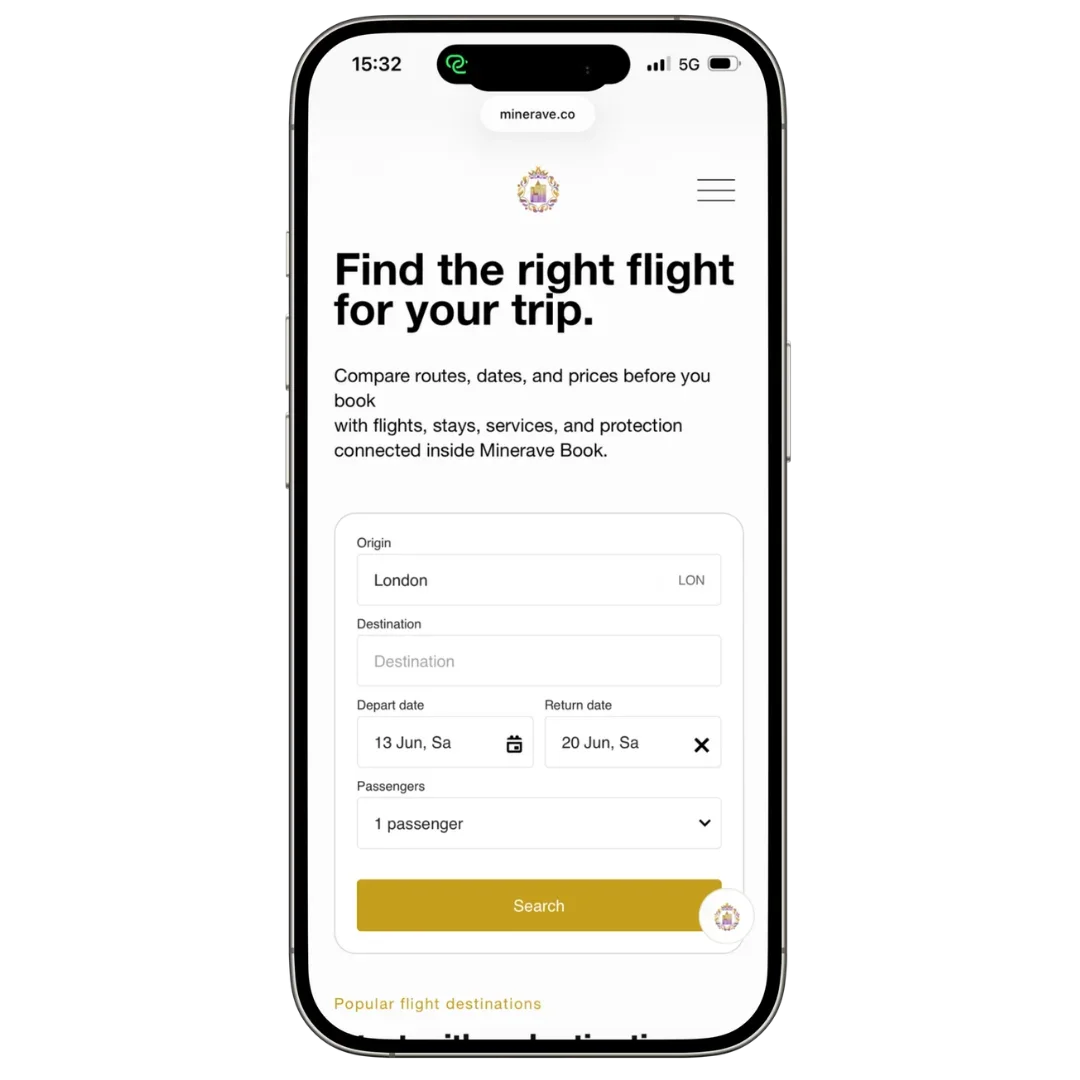
Introduction
Booking a flight looks simple, but small details can create problems later.
Before you confirm your flight, it is worth checking the route, passenger names, baggage rules, layover time, provider terms, and cancellation options carefully.
This guide helps you understand what to review before booking and where to go if you need help after your flight booking is confirmed.
Minerave can help you understand what to check, but if your booking is completed through an airline, flight provider, or external booking partner, that provider usually handles the payment, ticket, confirmation, changes, cancellations, and refunds.
Check your travel dates carefully
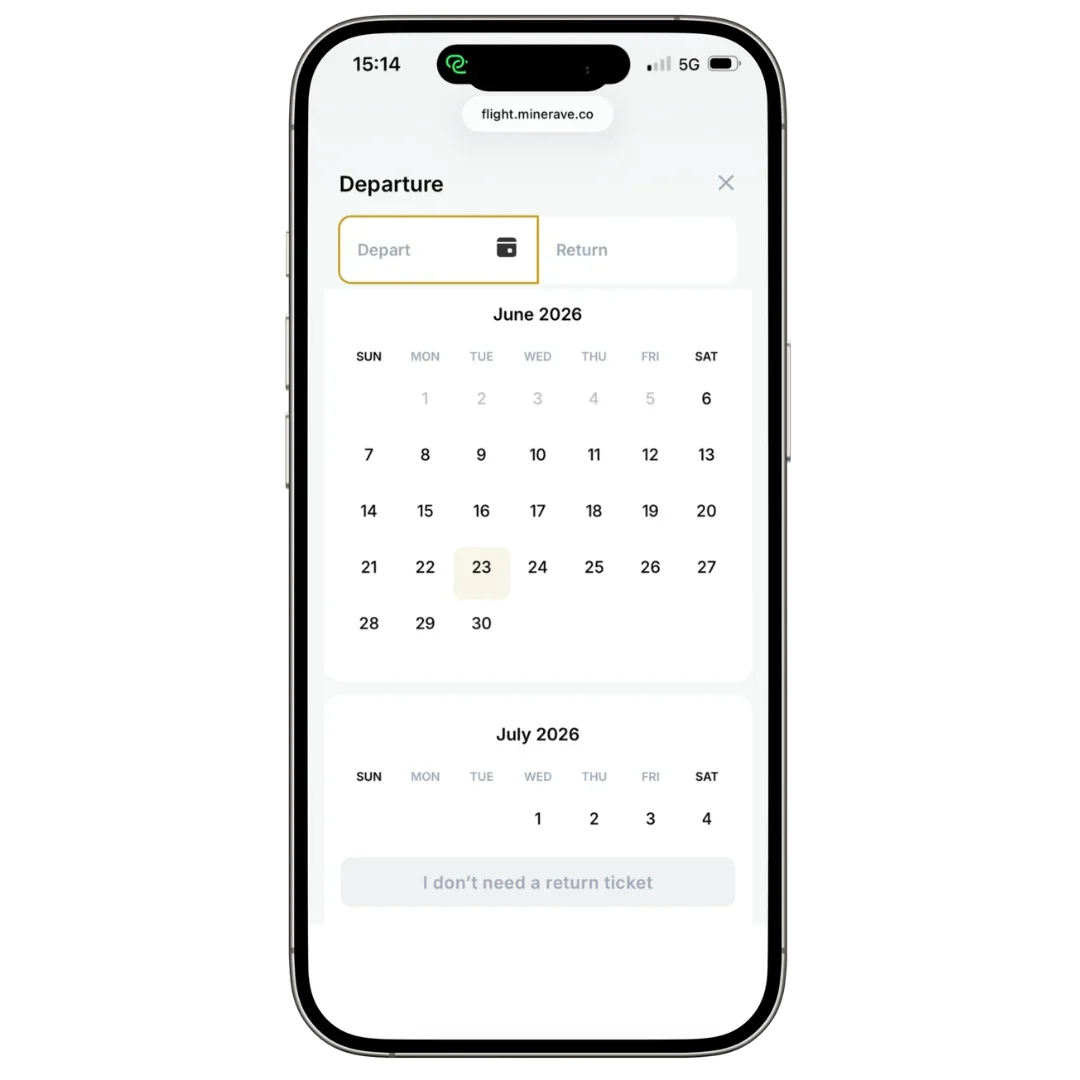
Before booking, make sure your departure and return dates are correct.
This is especially important if you are booking:
One-way flights
Return flights
Multi-city flights
Overnight flights
Flights with long layovers
Flights across different time zones
Some flights arrive the next day because of time zone changes or overnight travel. Always check both the departure date and arrival date before confirming.
Check the airports
Many cities have more than one airport. Make sure the arrival airport fits your trip, not only the price.
- Departure airport
- Arrival airport
- Distance to hotel or city center
- Transport options
- Arrival time
- Transfer cost
A cheaper flight is not always better if the airport makes your trip harder.
Check passenger names
Passenger names should match the travel document used for the trip.
- First name
- Last name
- Middle name, if needed
- Spelling
- Name order
- Passport or ID details, if requested
Name changes after booking can be difficult, limited, or expensive.
Check baggage rules
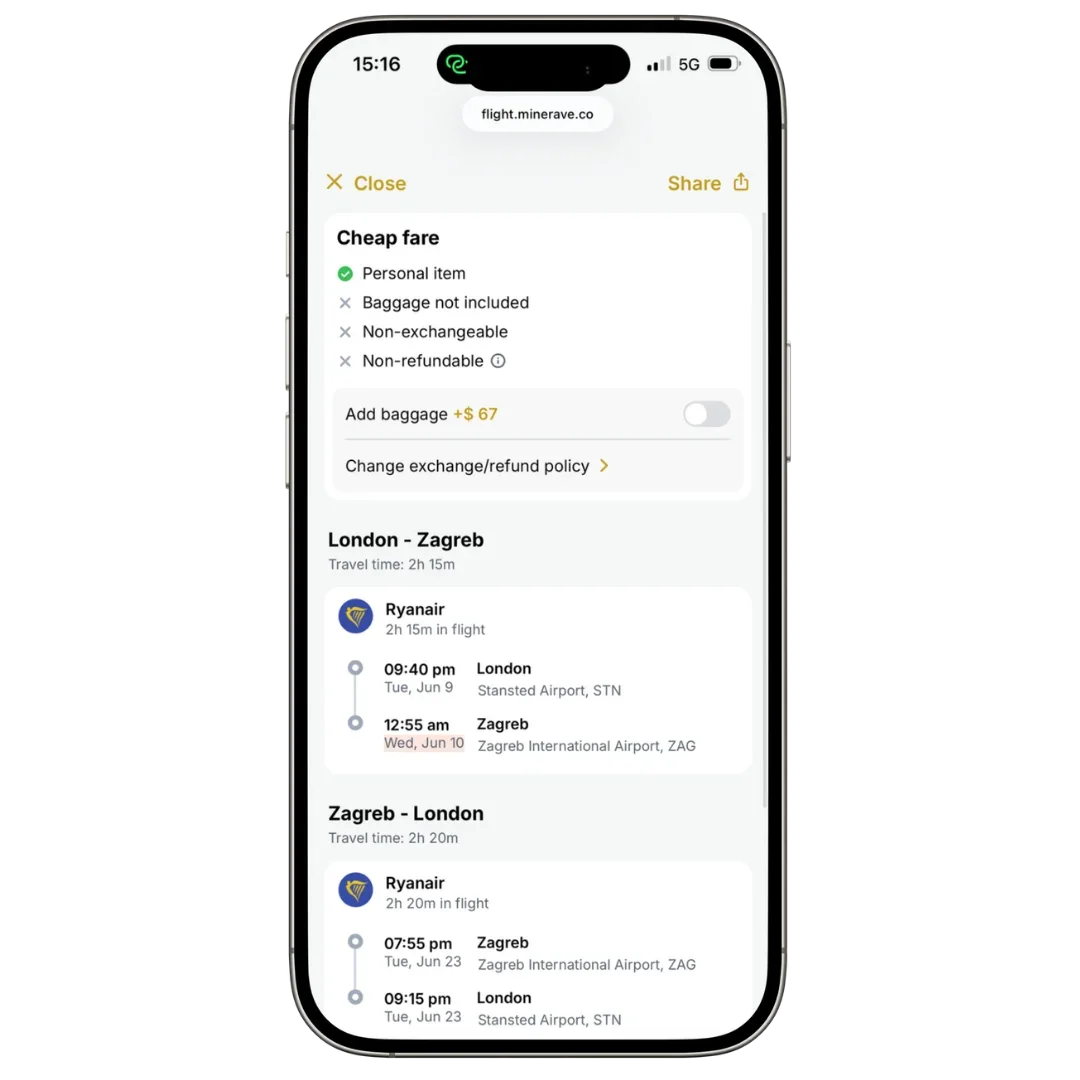
Baggage is one of the most common reasons travelers pay extra after booking.
Before confirming your flight, check what is included:
Personal item
Cabin bag
Checked baggage
Baggage weight
Baggage size
Extra baggage price
Sports equipment or special luggage rules
Some low-cost fares only include a small personal item. If you need cabin baggage or checked luggage, compare the full price with baggage included before booking.
Check layover time
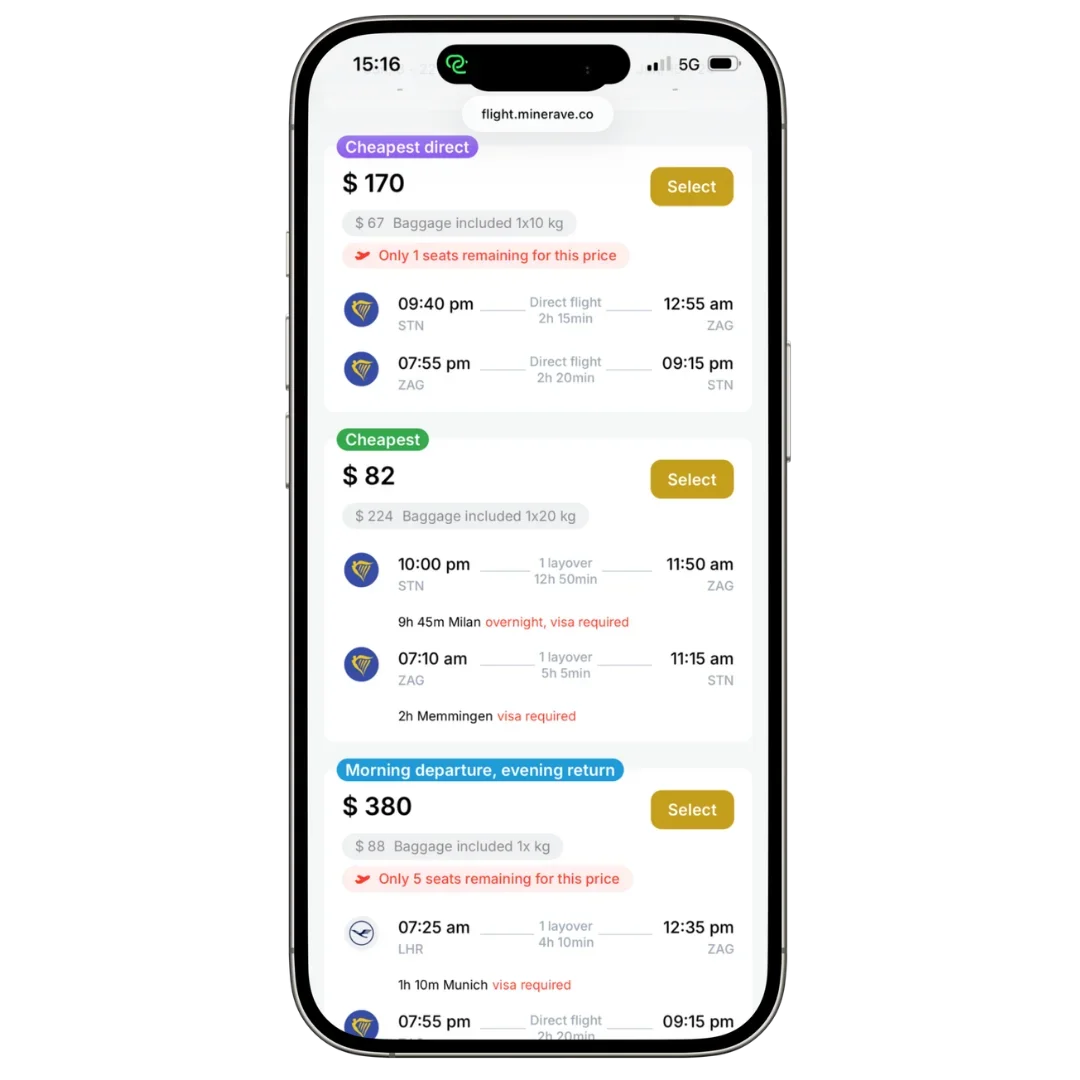
If your flight has a connection, check whether the layover gives you enough time.
Short layovers can be stressful, especially if you need to change terminals, pass immigration, collect baggage, or recheck your luggage.
Before booking a connecting flight, check:
Layover duration
Airport size
Terminal change
Immigration or security checks
Whether the ticket is one booking or separate bookings
Whether baggage is checked through to the final destination
If flights are booked separately, the airline may not protect your connection if the first flight is delayed.
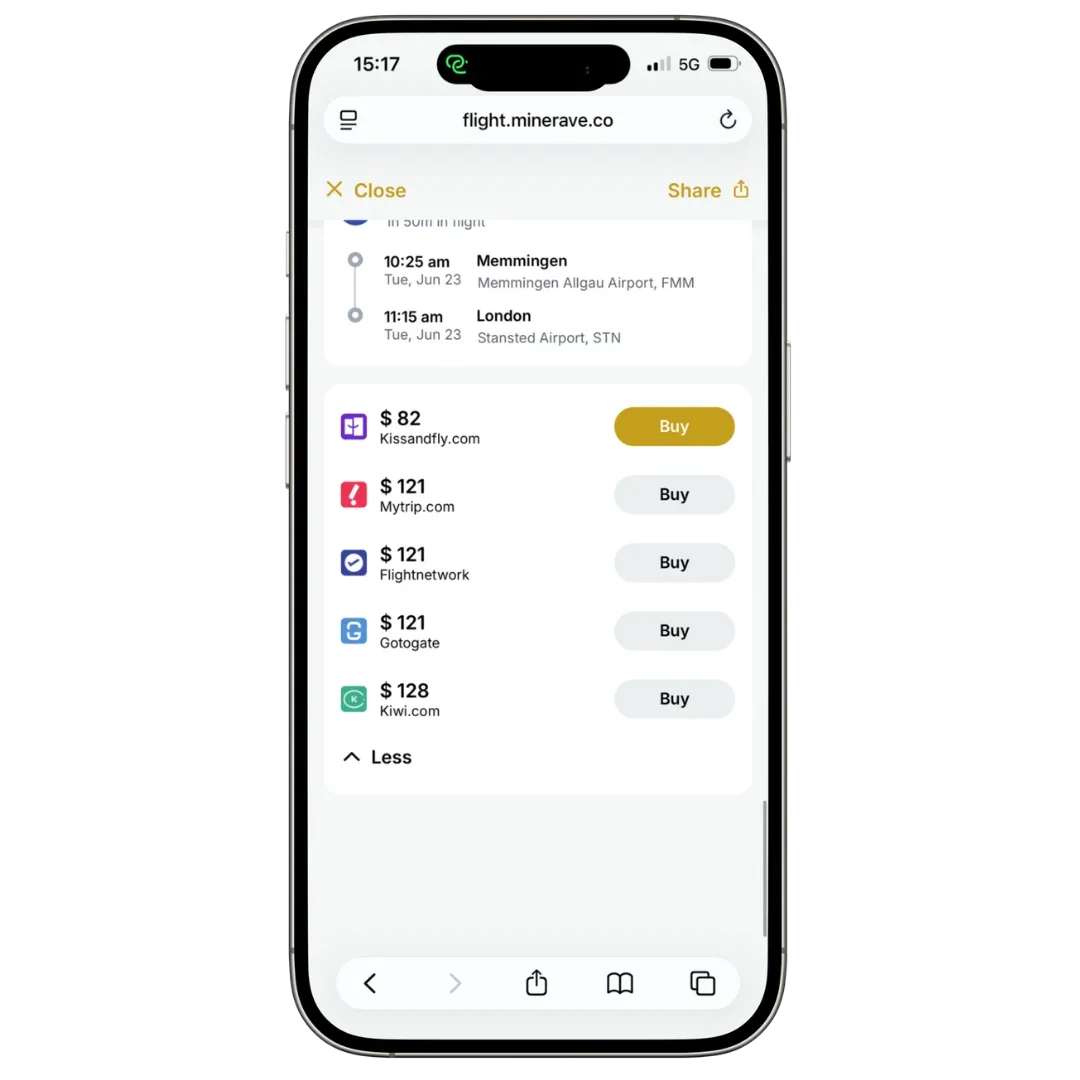
Check who handles the booking
When booking through Minerave Book, you may be connected to selected flight partners or external providers.
Before paying, check the provider name and where the booking is completed.
The provider usually handles:
Payment
Booking confirmation
Ticket or e-ticket
Flight changes
Cancellations
Refund requests
Customer support
Provider terms
Keep your confirmation email after booking. It usually shows the provider name, booking reference, and support contact.
Flight booking FAQ
A simple guide to help you understand flight changes, cancellations, final prices, confirmations, and who to contact after booking.
What cancellation and change terms should I check before booking?
Before booking, check if the flight can be changed or cancelled, whether fees apply, if the fare is refundable, and what happens if the airline changes the schedule or you miss the flight.
Is the cheapest flight always the best option?
Not always. The cheapest fare is often the least flexible. If your plans may change, a slightly more flexible ticket may be worth considering.
What should I check before confirming payment?
Check the final total price, not only the first price shown. The final checkout page may include baggage, seat selection, service fees, payment fees, taxes, insurance add-ons, and other extras.
What should I do after booking a flight?
After booking, check your confirmation email carefully. It may include the provider name, booking reference, airline reference, passenger details, flight times, baggage information, check-in instructions, and support contact.
What if I cannot find my confirmation email?
Check your spam or junk folder and make sure you are checking the same email address used during checkout. If you still cannot find it, contact the provider shown during booking.
Who should I contact after booking?
If your booking was completed through an airline, flight provider, or external partner, that provider usually handles direct booking support, including confirmations, changes, cancellations, refunds, baggage questions, check-in issues, passenger details, and payment problems.
When should I contact Minerave Support?
Contact Minerave if you are not sure which provider handles your request or if you need help understanding the next step. Minerave can help guide you, but the provider usually manages confirmed bookings directly.
What should I check before booking a flight?
Before booking, check your travel dates, departure and arrival airports, passenger names, baggage allowance, layover time, provider name, cancellation terms, change rules, total price, and confirmation email details.
Final note
Minerave Book helps you compare and access flight options through selected booking partners. The final booking, payment, confirmation, ticket, changes, cancellation, and refund process is usually handled by the provider you choose.
For faster support, always keep your confirmation email, provider name, booking reference, and the email address used at checkout.