Using your Minerave Cheat Sheet
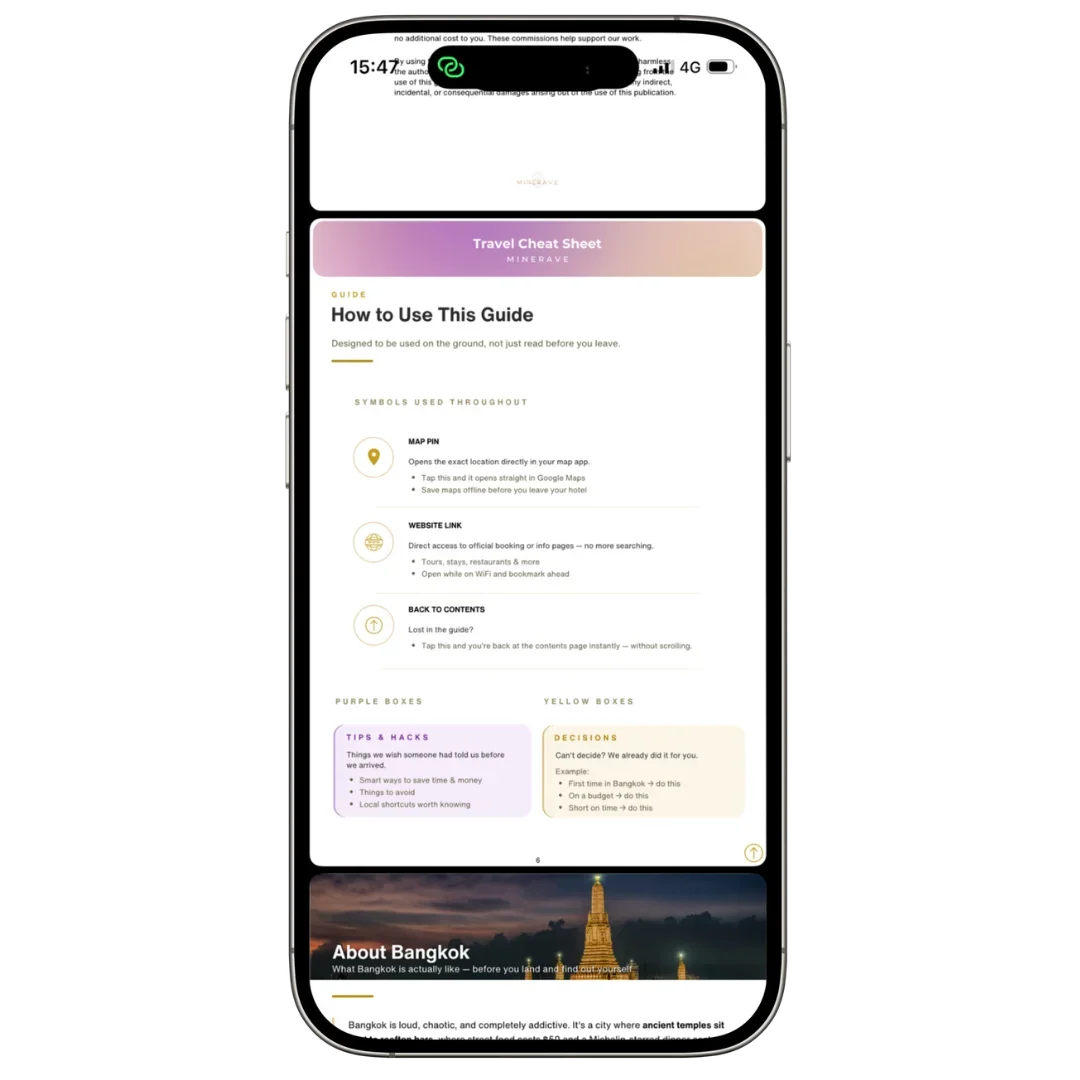
Introduction
Minerave Cheat Sheets are designed to be simple, mobile-friendly travel guides that help you plan and move through a destination with more clarity.
This guide explains how to open your Cheat Sheet, save it to your device, use it while traveling, and follow the sections inside the digital file.
Open your Cheat Sheet
After purchase, open the download link from your confirmation email or digital delivery email.
Your Cheat Sheet will usually open as a PDF file. You can view it on your phone, tablet, or computer.
For the best experience, open it with a PDF reader or your device’s files app instead of only viewing it inside an email preview.
Save it to your device
Before your trip, save the Cheat Sheet to your phone so you can access it faster later.
On iPhone, you can save it to:
Files
Apple Books
Google Drive
iCloud Drive
On Android, you can save it to:
Files
Google Drive
Downloads
A PDF reader app
Saving the file makes it easier to open again during your trip, especially when you are moving around or have limited internet.
Use it offline
Once the PDF is fully downloaded and saved to your device, you can usually open it without internet.
Before traveling, test it once by opening the file while your phone is on airplane mode. This helps make sure the file is actually saved and not only opening from an online preview.
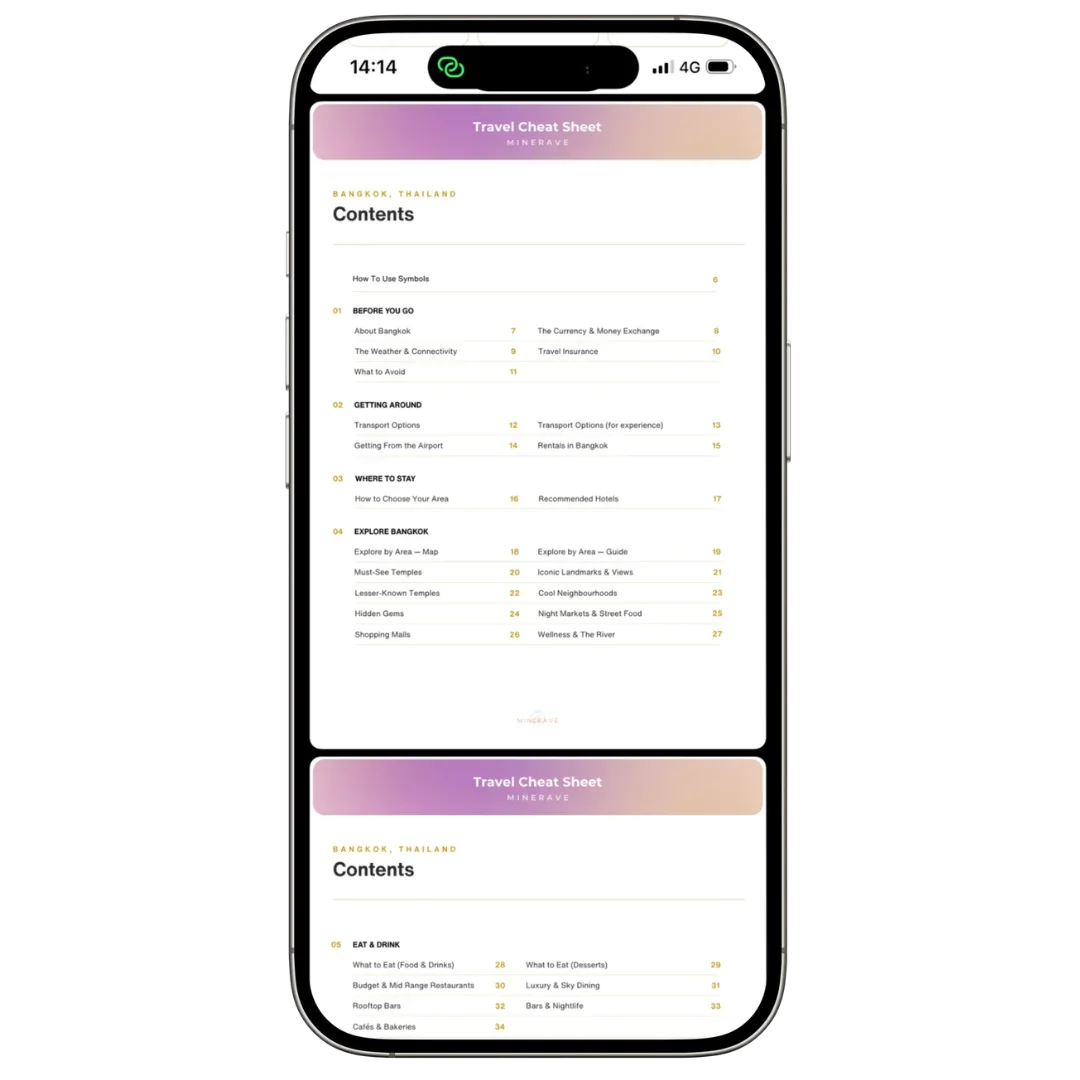
Follow the sections
Your Minerave Cheat Sheet may include sections such as:
Quick overview
Best areas
Itinerary
Food spots
Things to do
Local tips
Transport notes
Packing list
Useful links
Notes pages
Use the sections depending on what you need in the moment. You do not need to read everything at once.
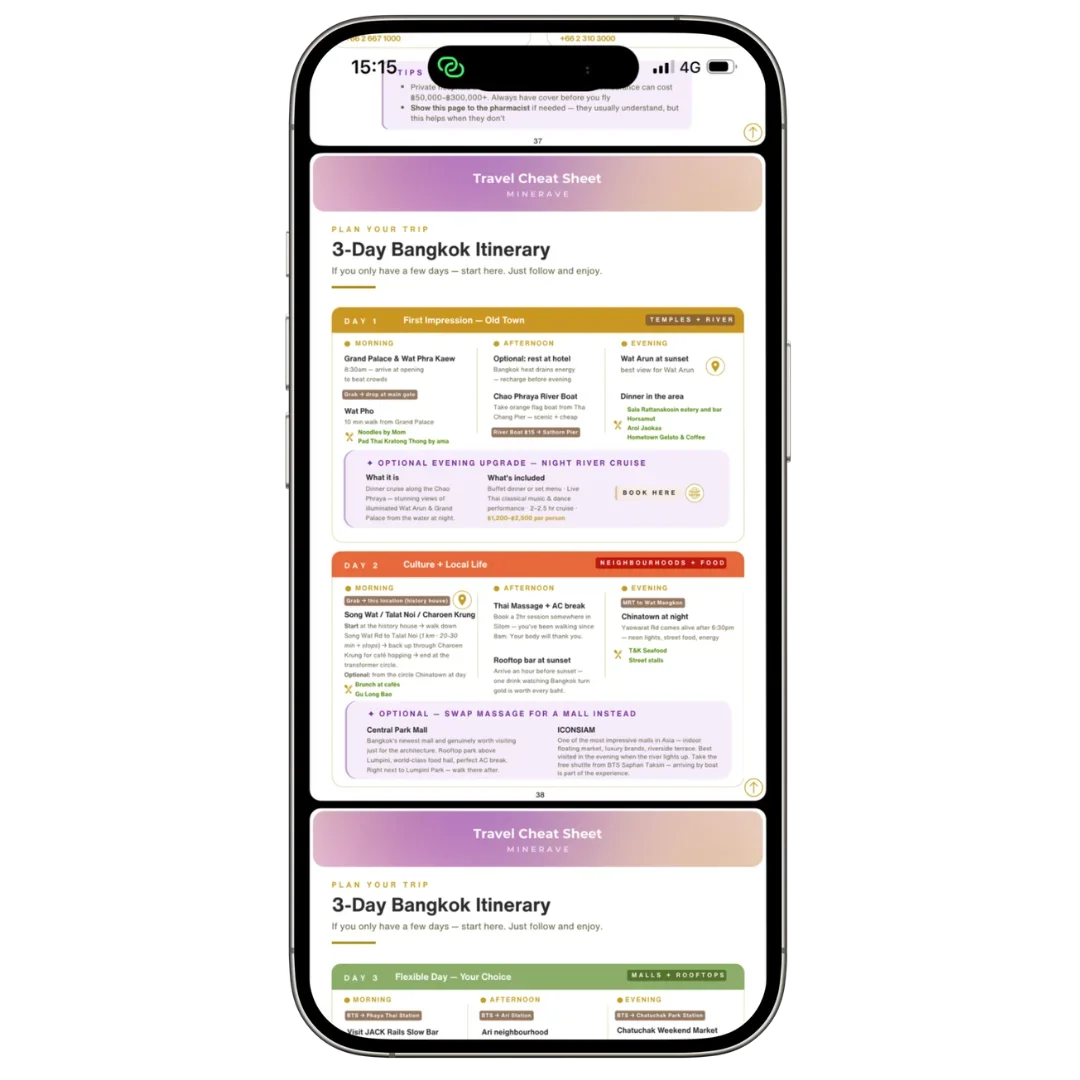
Use links inside the Cheat Sheet
Some Cheat Sheets may include clickable links to maps, bookings, websites, or extra resources.
If a link does not open, check your internet connection and try opening the PDF in another app.
Some inserted checklist or notes pages may not support clickable links, depending on how the final PDF was created. In that case, scroll manually to the page you need.
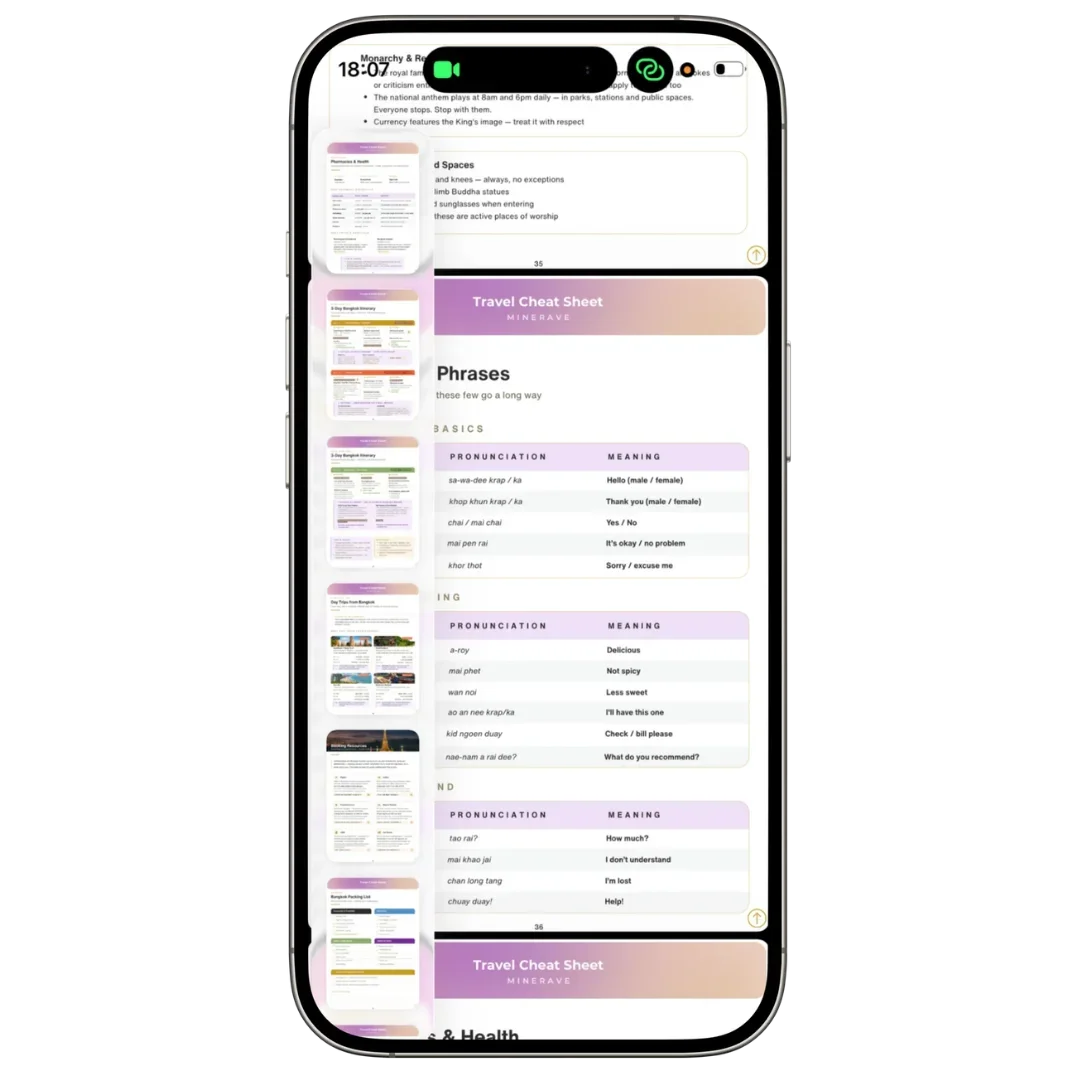
Use it while traveling
For the easiest travel experience, keep the Cheat Sheet somewhere easy to find on your phone.
You can also take screenshots of important pages such as:
Itinerary overview
Hotel area notes
Transport tips
Food recommendations
Packing checklist
This makes it faster to access key information while walking, commuting, or arriving at a new place.
Print only if needed
Minerave Cheat Sheets are designed mainly for phone use, but you can print selected pages if you prefer.
For example, you may want to print:
Packing list
Itinerary overview
Notes pages
Important addresses
Printing the full file is optional and may not be necessary.
If the file is hard to read
If the text looks too small, zoom in inside your PDF viewer.
For the best reading experience, use your phone in portrait mode and adjust the zoom depending on the page.
If the file looks blurry or does not load correctly, make sure the full PDF has downloaded. You can also try opening it in another PDF app.
Final note
Your Minerave Cheat Sheet is made to help you travel with less overwhelm and more clarity. Save it before your trip, test that it opens offline, and keep it somewhere easy to access on your phone.